Ember User Story: Manik Rathee
· Thibault
For our fifth Ember Story, we are going to San Francisco to chat with Manik Rathee, a designer & developer working at Nest.
Hi Manik —Can you please tell us more about who you are, and how you got started in the web industry?
I’m a designer, developer and user experience engineer living in San Francisco, and I currently work as a UX Engineer for Nest. I have been working with websites for quite some time now – I actually got started around 6th grade. I experimented quite a bit with Geocities and Tripod site builders before delving more into design and, of course, that sparked a deeper foray into development.

Can you please tell me more about your job at Nest? What do you do over there, specifically?
At Nest, I work on the web team doing a broad array of things. I spend most of my day on development and a small portion on design/rapid prototyping. I also have the pleasure of doing A/B testing and optimisation for our various web products. I’m still learning my way around, but I’m very excited about the future of this team & this company.
I’m interested in wide range of skills when it comes to design. I’m a designer by trade, with a BFA in Visual Communications & Advertising, but I am a developer and UX engineer by experience. I have had the unique chance to develop my skills across this extremely wide spectrum. Now, one of my favorite task is to design & build a website or app from concept to completion.
Being able to wireframe, conduct user research or user testing sessions, design an interface and build out the front-end feels incredible for me. It essentially feels like I am bringing my ideas to life. In as many cases as I can, I try to stretch myself into each of these roles so I can further develop these skills.
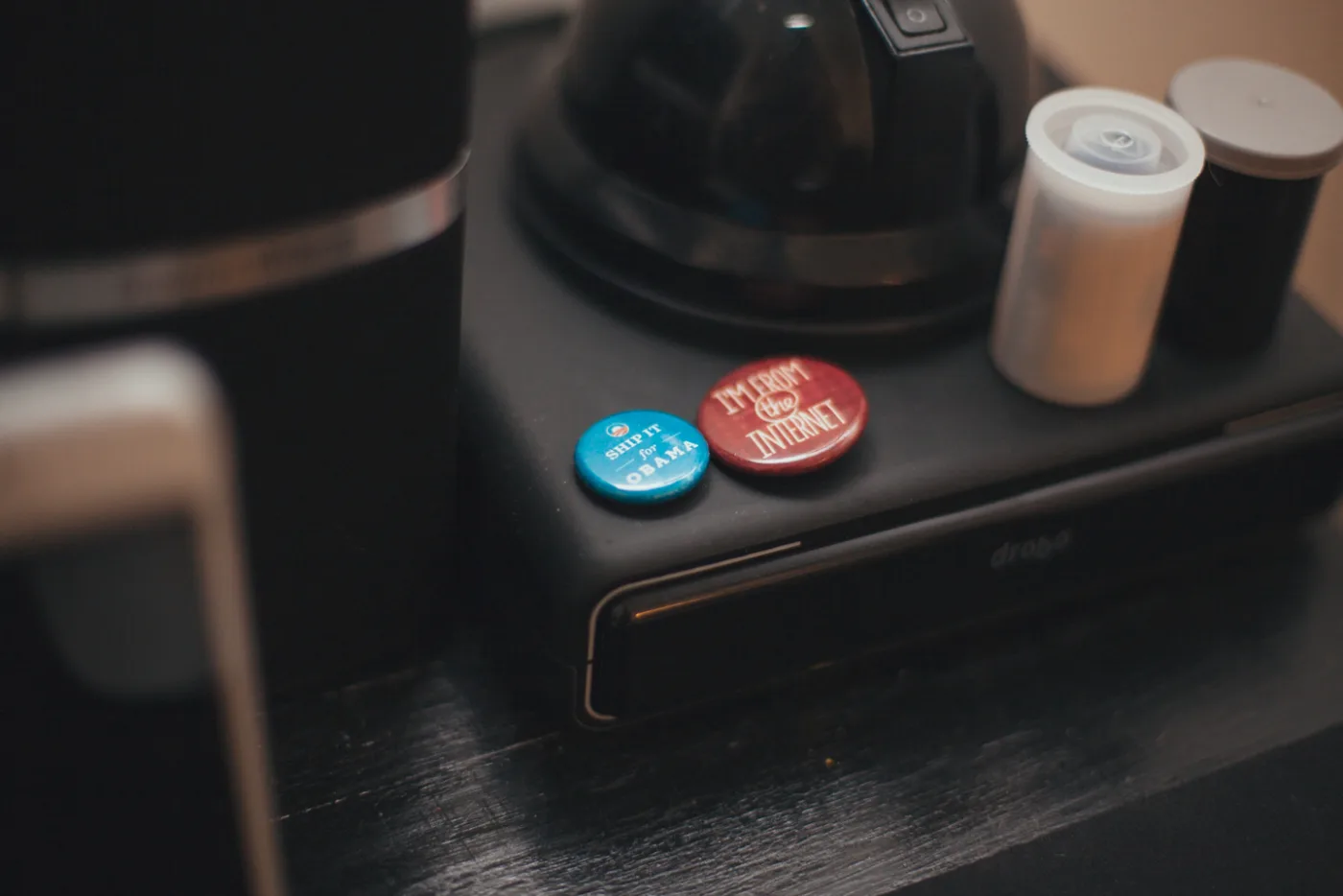
In 2012, you have worked on the re-election campaign for Barack Obama. How did this come to be? Can you tell me more about the role you had?
Yes, this was truly incredible experience. I joined the front-end development team for Obama’s re-election campaign in January of 2012. They had just launched their responsive redesign, making it the first responsive presidential site in history. (And far from the last record we set.) I left an agency job in New Jersey and moved out to Chicago to get to work with one of the best teams on the planet.
I started out working on BarackObama.com as a developer, but very quickly moved into a hybrid UX / Front-End role while conceptualizing a new version of the Call Tool, a tool that would allow anyone to become part of the campaign and make calls to un-decided voters. I was able to influence that tool early and have a real impact on the redesigned version. After working on this, I officially got the title of User Experience Engineer.
I worked on a few other tools and websites that went out and in April, I moved over to the Optimization team which was in charge of building & testing our donation pages. It was here that I helped build what we call the ‘Sequential Donate Module,’ which was a brand new, step-by-step version of our donation pages. It was a drastic change to traditional forms that people knew, but the risk paid off. Conversions made a big jump, server errors were almost non-existent, and we defined a new way to get visitors to donate online. There is a case study about this process on my blog.
In the end, all of these efforts were essentially just supporting tasks to the amazing field teams that the campaign had put together. Ultimately, we won and all had to move on to our next challenges. Thanks Obama.
What type of images do you have in your library? Can you tell me more about the collections you use?
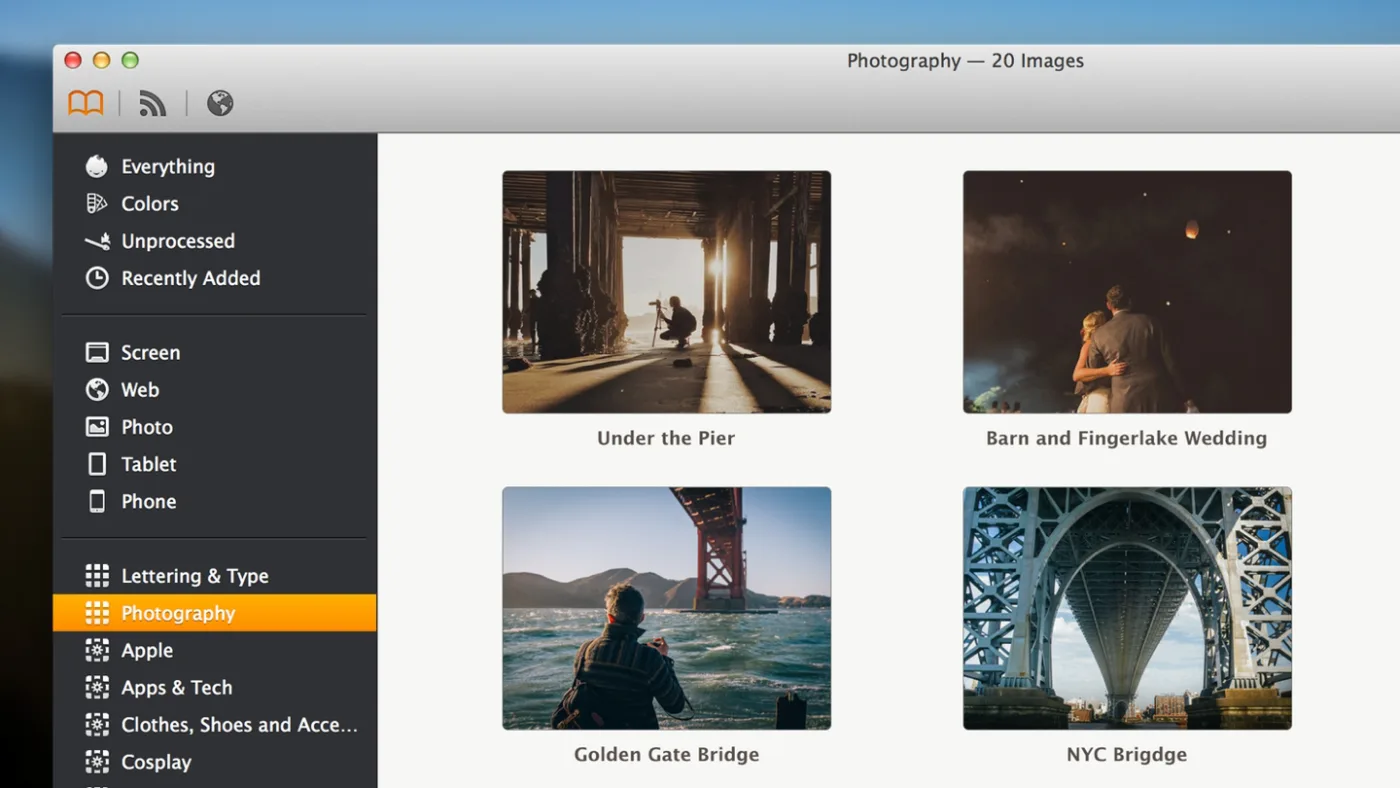
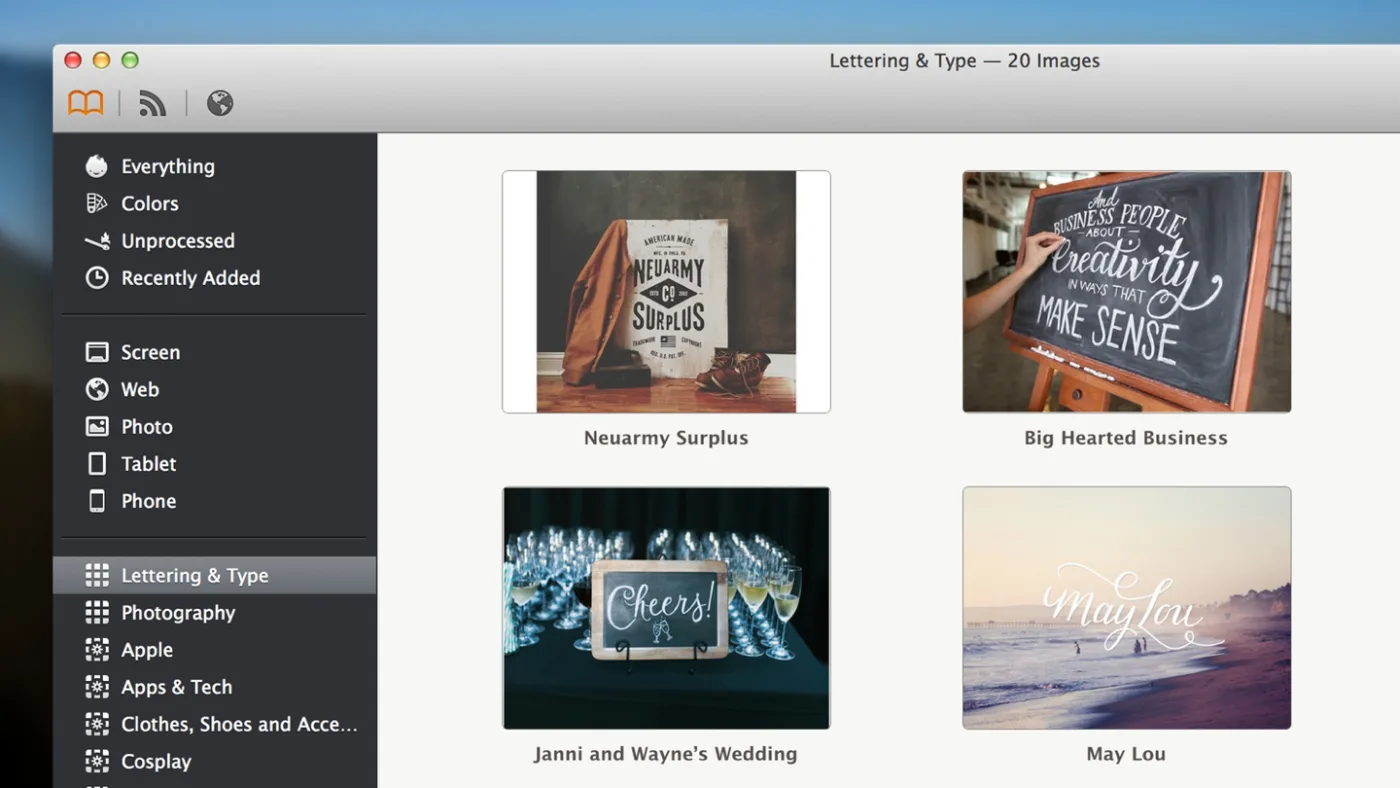
I have been an Ember user since the days of LittleSnapper. I keep a ton of images in my library ranging from wireframes to websites to iOS interfaces. I save animated snippets, photography, workspaces, and other forms of inspiration as well. I use collections & smart collections to easily organize my massive library to digestable chunks. I have inspiration collections for every major project I work on so I can manually add specific designs that I think could help me on future designs. I have smart collections that mostly focus on tags to separate images coherently. A few examples of my smart collections: ‘Stock Photos’, ‘Branding & Identity’, ‘Office, Tech and Workspaces’, and ‘Typography'.
What does a typical day look like? How does Ember fit in your daily workflow?
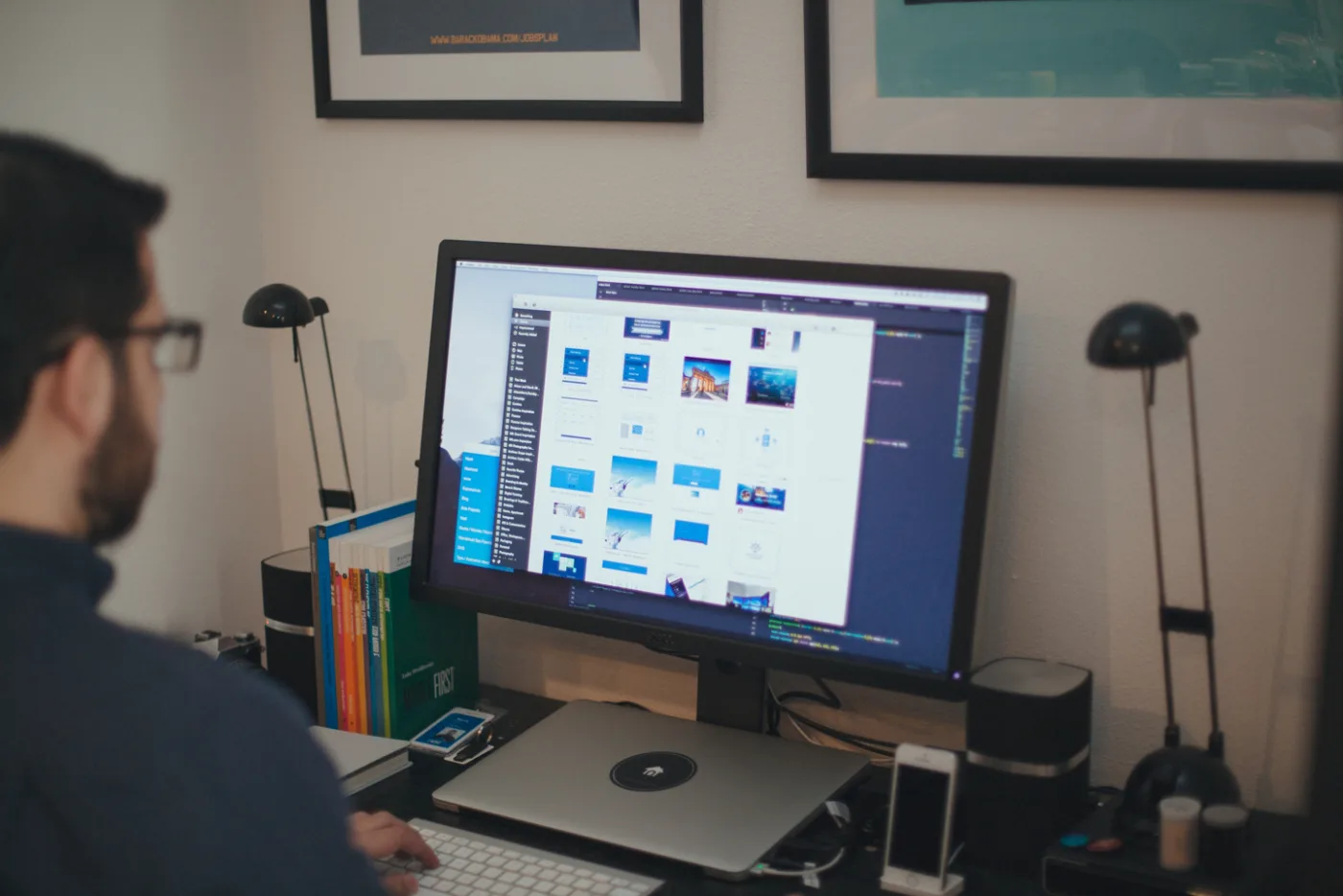
I have the luxury of working across many disciplines in design and development. My work varies from day to day. With my own projects, I look over user / client feedback, decide what products can be improved and start sketching away. That moves to design and development.
Ember is integrated into all of these pieces. I review specific smart collections to think through different executions of features. For example, last week I was working on an expandable list with an auto-completing search input field. I looked through various iOS & web designs to see how others have executed each of those elements separately. This helps me think through interactions and come up with the best solutions for my context. After moving to design, I run through ember again to see how other input fields, layouts, grids, etc are executed.
Ember is essentially the key to getting my brain working and creative juices flowing. It is critical to my workflow.
What are your favourite features in Ember?
I think the browser integration is pretty fantastic. I can easily open a full website in ember & capture a full page screenshot. This was a pain-point for me for years and now it is literally as easy and 2 clicks. I have a tremendous amount of full page screenshots that help capture a bird’s eye view of a site.
This is hands down my favourite feature.
When I show this to colleagues, it is easily the simplest selling point for them. They download it right away after I snap a full page screenshot with 1 click.
 ---
Thanks to Manik for taking us through his use of Ember. You can learn about him on Twitter and on his website. Don’t forget to check out our other Ember User Stories here.