
Every Tailwind utility, on every component
A visual Tailwind CSS builder for Mac
Design responsive Tailwind CSS websites visually on your Mac with RapidWeaver Elements. Every Tailwind utility is available on every component.
Learn more about RapidWeaver ElementsEvery Tailwind utility, on every component.
Text, image, grid, flex, container, video and the rest of the 40+ components can all use every Tailwind utility. Spacing, colour, type, layout, borders and effects are not reserved for a special component.
-
Spacing
p-6m-4gap-4
-
Colour
bg-whitetext-gray-900bg-sky-500
-
Type
text-lgfont-boldleading-tight
-
Layout
flexgriditems-center
-
Borders
rounded-2xlborderring-2
-
Effects
shadow-lgopacity-80blur-sm
The classes above are examples. The full set of Tailwind utilities is available on each of these, and on every other component.
 Text
 Image
 Grid
 Flex
 Container
 Video
A visual Tailwind editor for developers.
RapidWeaver Elements is the fastest way to build Tailwind websites visually. It is a visual Tailwind builder for developers who want full control without writing everything by hand. It lets you build production-ready Tailwind CSS websites visually, while still generating clean, readable markup that fits naturally into your workflow.
- Every Tailwind utility, on every component
- Mobile, tablet and desktop
- Your own HTML, CSS and JavaScript
Adjust any setting at each breakpoint.
Built-in breakpoints let you adjust any setting for mobile, tablet and desktop, and preview each one instantly. Drag components onto a canvas that matches the live site, then fine-tune spacing, type and colour in the inspector.

Standard HTML and Tailwind classes.
RapidWeaver Elements produces clean, semantic HTML styled with Tailwind CSS, with Alpine.js for interactive parts. There is nothing proprietary to run on your server. The utilities you set on any component are standard Tailwind classes any developer can read.
When you do write code, you can add your own HTML, CSS and JavaScript with code injection, code pages and custom components.
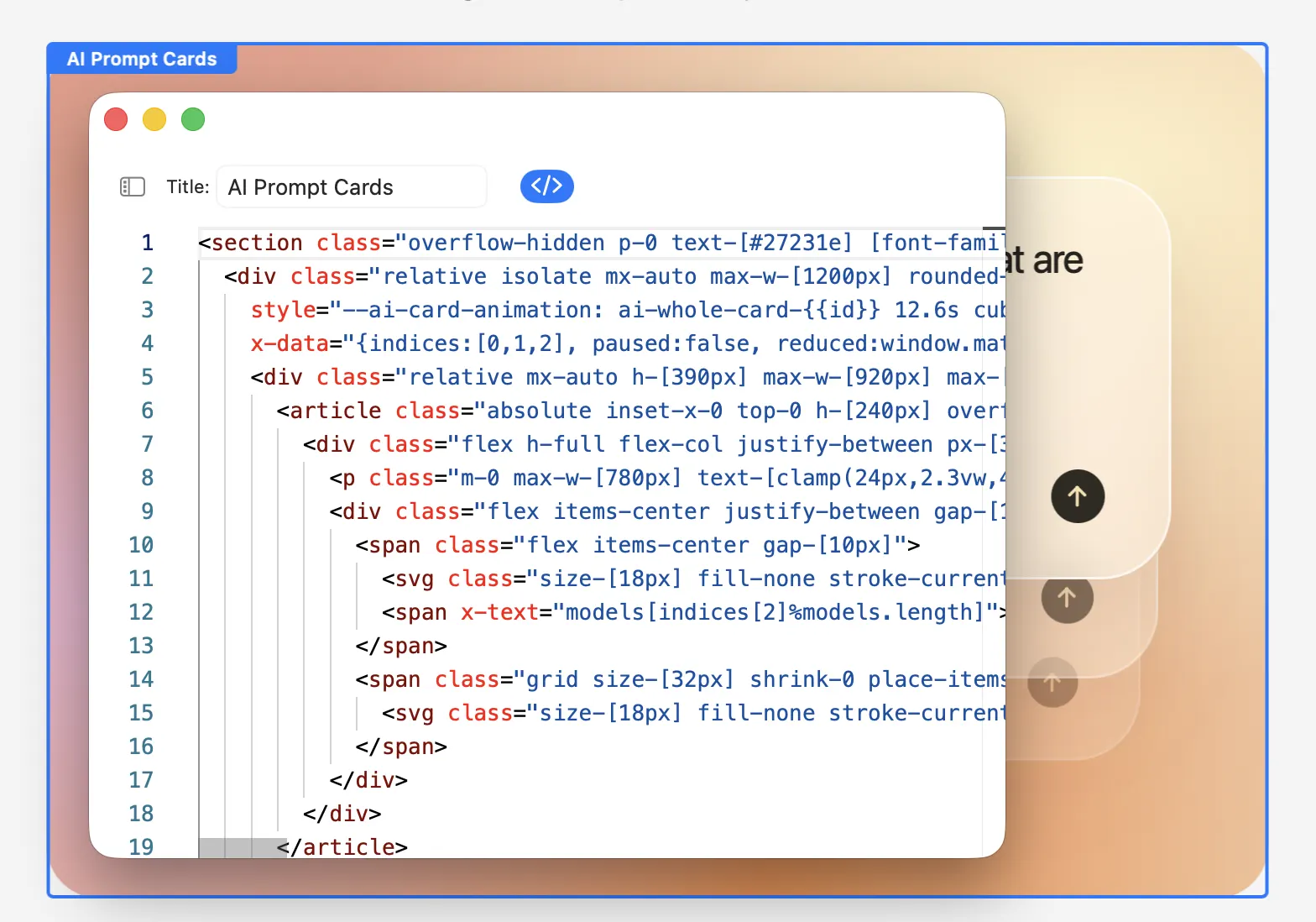
Part of RapidWeaver Elements.
The visual Tailwind CSS builder is not a separate app. It is how you design pages in RapidWeaver Elements: with components, on a canvas, in real Tailwind CSS. Publishing, the built-in CMS and the AI tools live on the RapidWeaver Elements page.
See RapidWeaver ElementsQuestions about the Tailwind builder.
How it works
The visual Tailwind CSS builder is part of RapidWeaver Elements. It is for developers who want full control without writing everything by hand. You build Tailwind CSS websites visually, and it still generates clean, readable markup.
Yes. Every component can use every Tailwind utility, including spacing, colour, type, layout, borders and effects. They are not reserved for a special component.
Yes. RapidWeaver Elements produces clean, semantic HTML styled with Tailwind CSS, with Alpine.js for interactive parts. There is nothing proprietary to run on your server.
Yes. You can design without writing everything by hand. When you do write code, you can add your own HTML, CSS and JavaScript with code injection, code pages and custom components.
Yes. Built-in breakpoints let you adjust any setting for mobile, tablet and desktop, and preview each one instantly.
Design Tailwind CSS visually on your Mac.
Download RapidWeaver Elements and try it free on your own project.
Read the RapidWeaver Elements release notes